
미디어 콘텐츠 스터디
광선검 영상 효과 본문
1. 프로젝트 만들기
- Project Name : LightSaber Effect
2. 영상 불러오기
3. 시퀀스 만들기
- 시퀀스 생성
- Kendo.mp4를 타임라인의 V1 트랙에 배치

4. Color Matte 추가 및 설정
- Color Matte 생성
- 색상 : #000000
- 생성한 Color Matter를 V2 트랙에 배치

5. LightSaber 효과 적용 - Lighting
- V2 트랙의 Color Matte 선택 후 Video Effects > Generate > Lighting 적용

- Opacity 효과의 속성 설정
- Blend Mode : Screen
- Opacity : 50%
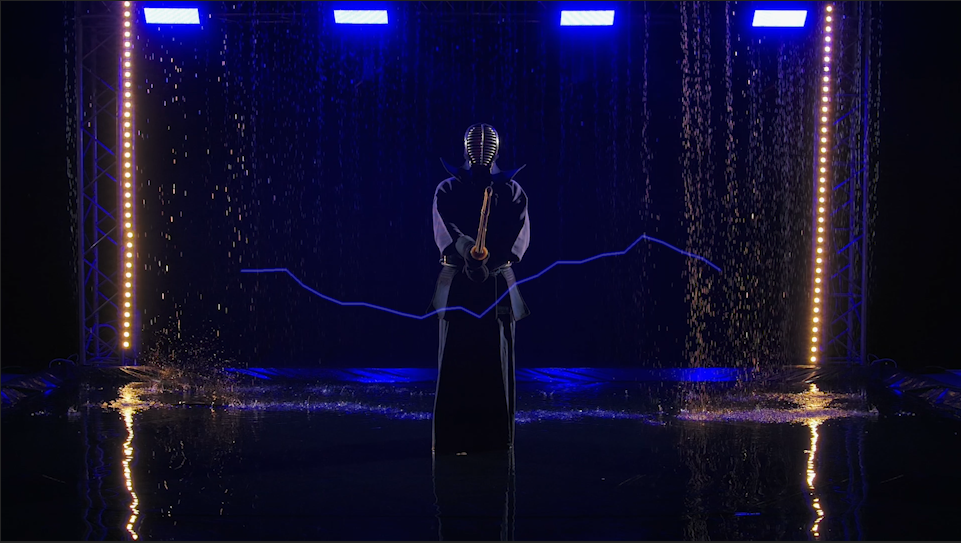
- Lighting 효과의 속성 설정
- Segments : 3
- Amplitude : 0.0
- Detail Level : 0
- Detail Amplitude : 0.0
- Branching :0.0
- Rebracnching : 0.0
- Branch Seg.Length : 0
- Branch Segments : 0
- Speed : 1
- Stabilty : 0.0
- Width : 75

6. 막대기 움직임 추적 - Transform 효과 적용
- V2 트랙의 Color Matte 선택 후 Video Effects > Distort > Transform 적용
- Transform 초기 설정
- Anchor Point :1462, 539
- 00:00F :
- Position :959, 540
- Rotation : 97

7. 키프레임 애니메이션 추가
- Transform 효과
- 영상 속 막대기의 움직임에 맞춰:
- Position 및 Rotation에 키프레임을 추가
- 영상 속 막대기의 움직임에 맞춰:
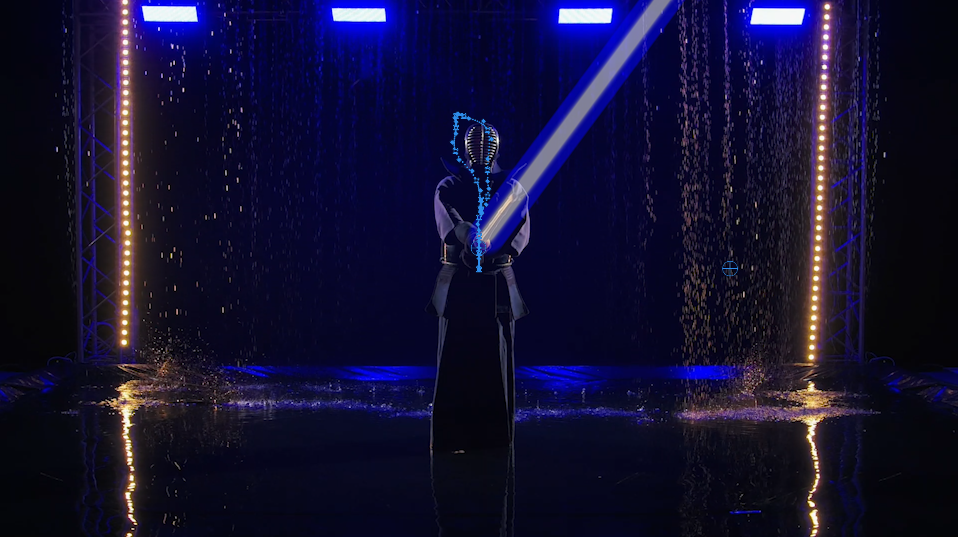
- Lighting 효과
- 광선검의 위치를 맞추기 위해:
- Start Point 및 End Point에 프레임별로 키프레임을 설정
- 광선검의 위치를 맞추기 위해:

'프리미어 프로(Premiere Pro) > 이펙트' 카테고리의 다른 글
| 모션 블러 효과 (0) | 2025.06.25 |
|---|---|
| 카메라 흔들림 효과 (0) | 2025.06.25 |
| 지진 효과 (0) | 2025.06.24 |
| 유리 막대 효과 (0) | 2025.06.24 |
| 14. 슬로우 모션 효과 (0) | 2025.06.20 |
'프리미어 프로(Premiere Pro)/이펙트' Related Articles
more


Comments